Introduction
MQTTX CLI is the command-line edition of MQTTX. Use it to debug MQTT connections from a terminal, automate tests in shell scripts or CI, and benchmark brokers without a graphical interface. It runs on macOS, Windows, and Linux.
See Installation to choose the one-line install script, a binary, Homebrew, npm, or Docker installation. The Get Started guide covers commands and options.
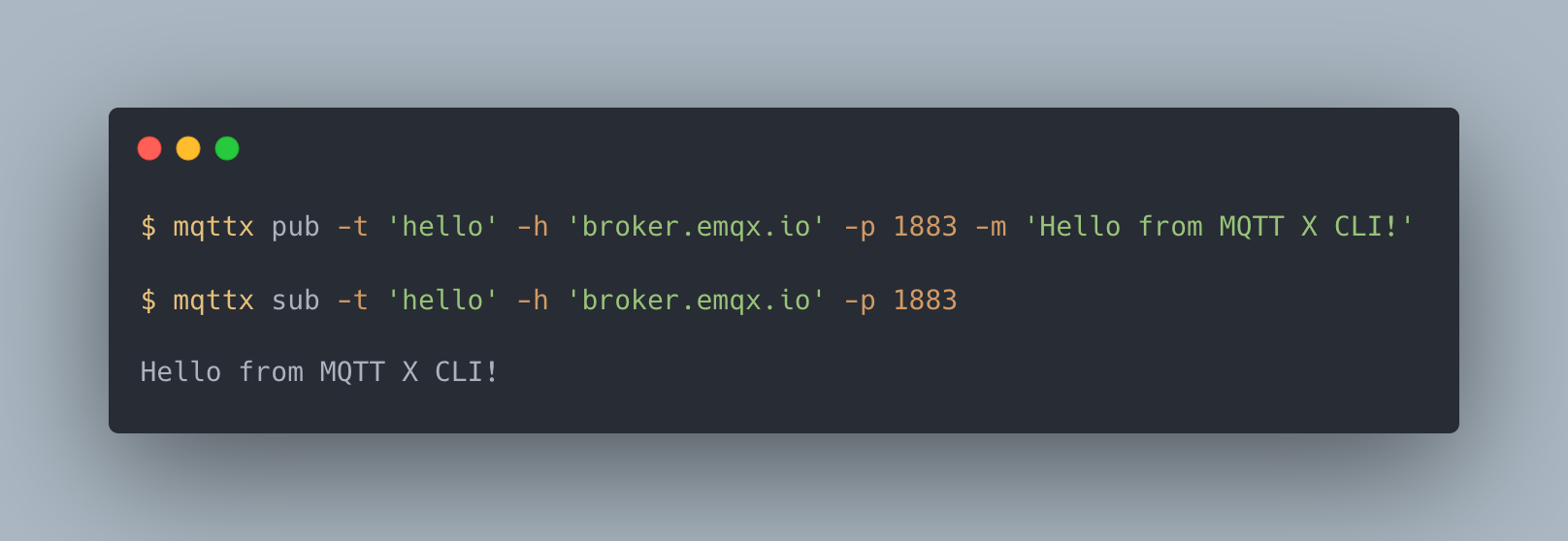
Preview
Main Features
- Connect, publish, and subscribe with
mqttx conn,mqttx pub, andmqttx sub. - Use MQTT 3.1, 3.1.1, and 5.0 over TCP, TLS, WebSocket, or secure WebSocket, with one-way or two-way TLS authentication.
- Configure MQTT 5.0 properties, including user properties, response topics, correlation data, and CONNACK Response Information.
- Read messages from stdin, pipe received messages to other tools, or save received messages to files.
- Save and load connection options as JSON or YAML for repeatable tests.
- Encode and decode JSON, Base64, Hex, CBOR, and MsgPack payloads, with Protobuf and Avro schema support.
- Run connection, publishing, and subscription benchmarks with
mqttx bench. - Generate IoT test data with
mqttx simulate, using built-in or custom scenarios. - Use the MQTTX CLI skill to let external AI agents run tests and diagnose MQTT problems.