Introduction
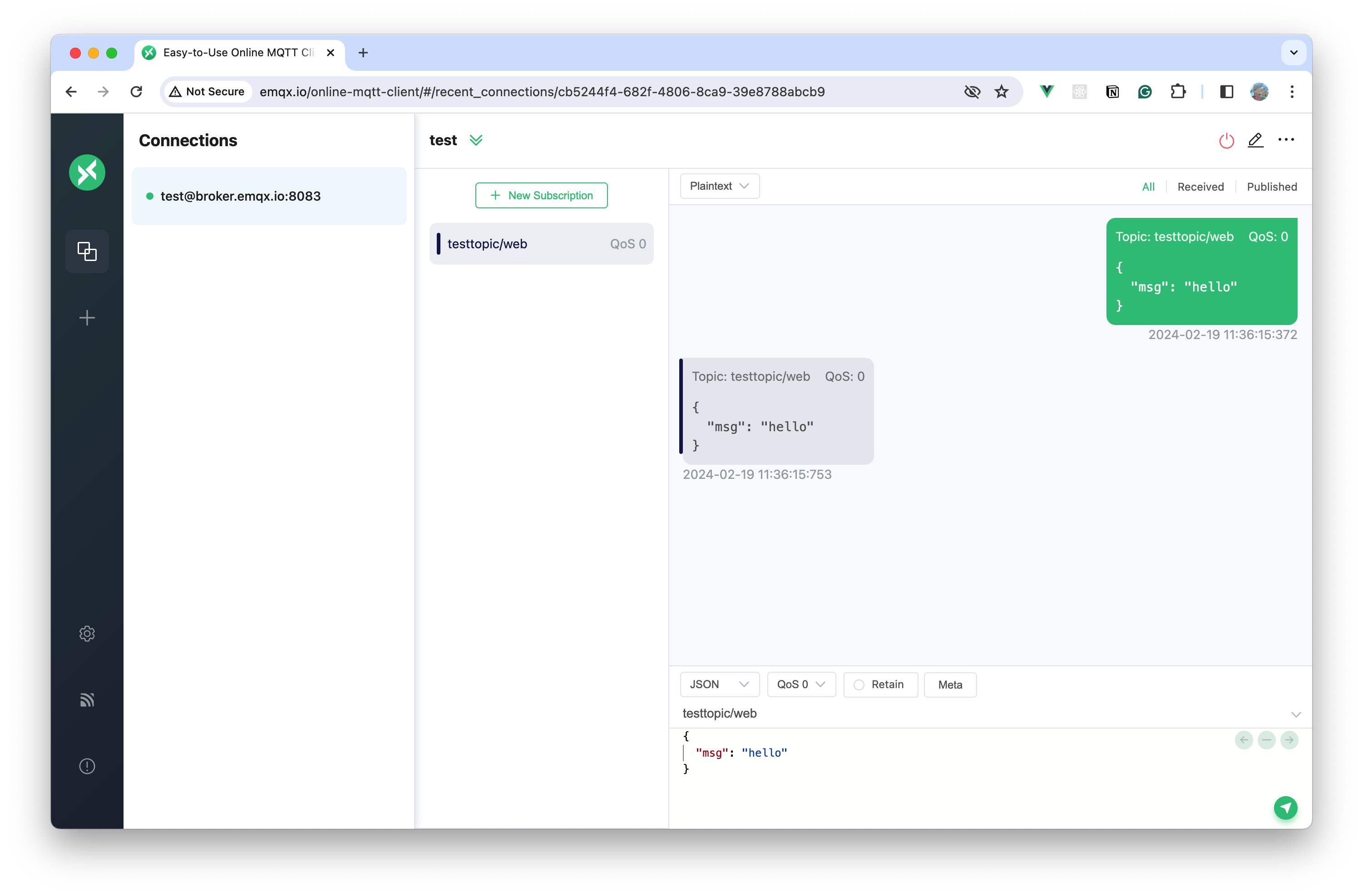
MQTTX Web is the browser edition of MQTTX. Open the online client to test MQTT connections and messages without installing a desktop app, or deploy it yourself with Docker.
MQTTX Web connects through WebSocket (ws:// or wss://). The hosted HTTPS client requires wss://; the broker must expose a WebSocket listener. See Get Started for connection settings.
Preview
Main Features
- Publish and subscribe with MQTT 3.1.1 and 5.0 over WebSocket.
- Manage multiple connections and subscriptions in a chat-style interface.
- Mark subscriptions with colors and inspect sent and received messages.
- Configure MQTT 5.0 properties, including user properties and request-response metadata.
- Deploy with Docker to run the client in your own environment.